
A Kindle is the best lightweight library for stress-free, long-haul travel.
After months on the road with my Kindle—from airports and night trains to beaches and mountain huts—I’ve learned what makes it a useful travel companion and where a little preparation helps. For me, Kindle For Travel means carrying more books without adding much weight to my bag.
In this guide, I share the reading setups, packing habits, and practical lessons I’ve tested along the way to help you read comfortably wherever your next trip takes you.

The case for Kindle For Travel
Travel adds friction. Bags are tight. Power can be scarce. Plans shift. Kindle For Travel removes many pain points. You get a full library that fits in a jacket pocket. You can read in sun, at night, or in a cramped seat. Battery life lasts for days, not hours. You can buy, borrow, or sideload books offline.
From my trips, a Kindle cut my carry-on weight by more than two paperbacks. It handled a 14-hour flight, a week in the desert, and a rainy ferry ride. No pages warped. No eye strain. No dead phone from reading.
Key reasons people choose Kindle For Travel:
- Light gear and less bulk
- Long battery life with simple charging
- Easy reading in bright sun or at night
- Access to books in countries with few bookstores
- Better focus than a phone or tablet
Which Kindle is best for travel?
Most travelers want a model that is light, glare-free, and durable. A front light helps in dark cabins. Waterproofing helps at beaches and pools.
Good options for Kindle For Travel:
- Kindle (base model). Light, sharp screen, great price.
- Kindle Paperwhite. Larger screen, waterproof, warm light.
- Signature Edition. Adds auto-brightness and more storage.
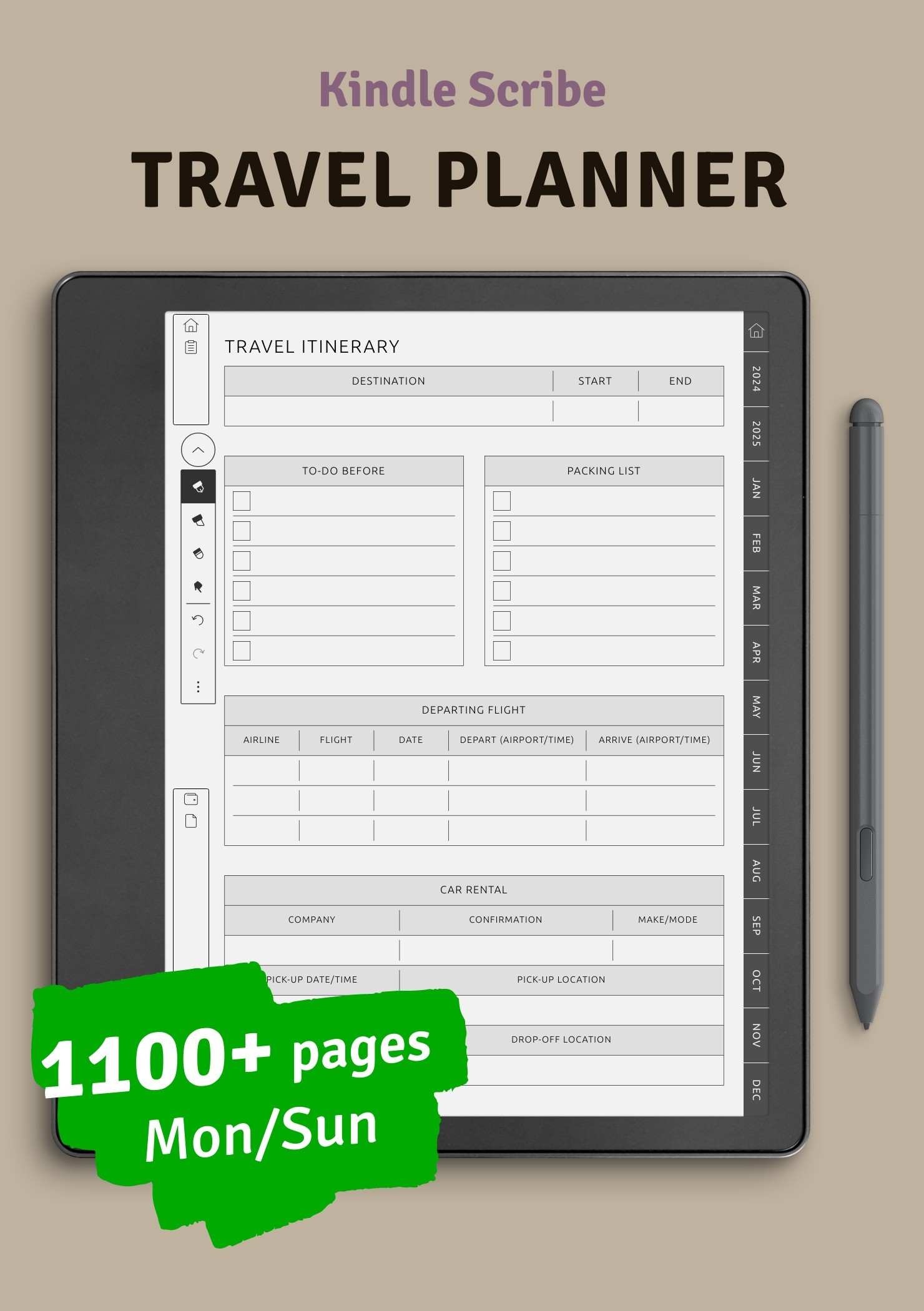
- Kindle Scribe. Big screen for notes, but larger and heavier.
For flights and day trips, I favor the Paperwhite. The screen is bright in sun. The warm light is gentle at night. The waterproof build adds peace of mind. If you want the smallest bag, the base Kindle is great.
Tip: Choose a model with USB-C. You can share a cable with your phone. That makes Kindle For Travel even simpler.
Set up your Kindle For Travel
Set up before you leave. Do not wait for the airport. Kindle For Travel works best when your books are local on the device.
Do this a week before your trip:
- Download all books and samples over Wi‑Fi.
- Add travel guides, PDFs, and tickets.
- Create Collections for “Trip Reads” and “Reference.”
- Turn on Whispersync to keep your place across devices.
- Test airplane mode and offline reading.
Helpful workflows I use:
- Send to Kindle for boarding passes, hotel PDFs, and offline maps.
- Use reading lists for a long flight, a beach day, and a jet-lag night.
- Flag one short, one long, and one “comfort re-read” per leg. Choice beats boredom.
If you manage a big library, use a desktop tool to organize files and metadata before you travel. Keep it simple on the road.

Power, battery, and charging on the road
Kindle For Travel shines because it sips power. With airplane mode on, you can read for days. Still, plan your charging like you plan your water bottle.
Practical tips:
- Charge to 80–90% the night before you leave.
- Use airplane mode whenever you are not buying books.
- Lower brightness to match the room or cabin.
- Carry a small USB-C cable and a 10–20W charger.
- A tiny power bank can cover a week of reading.
I once read for a week in Patagonia on one charge. Bright sun, then dim huts. Airplane mode and smart light settings made it easy.
Read anywhere: planes, beaches, night trains
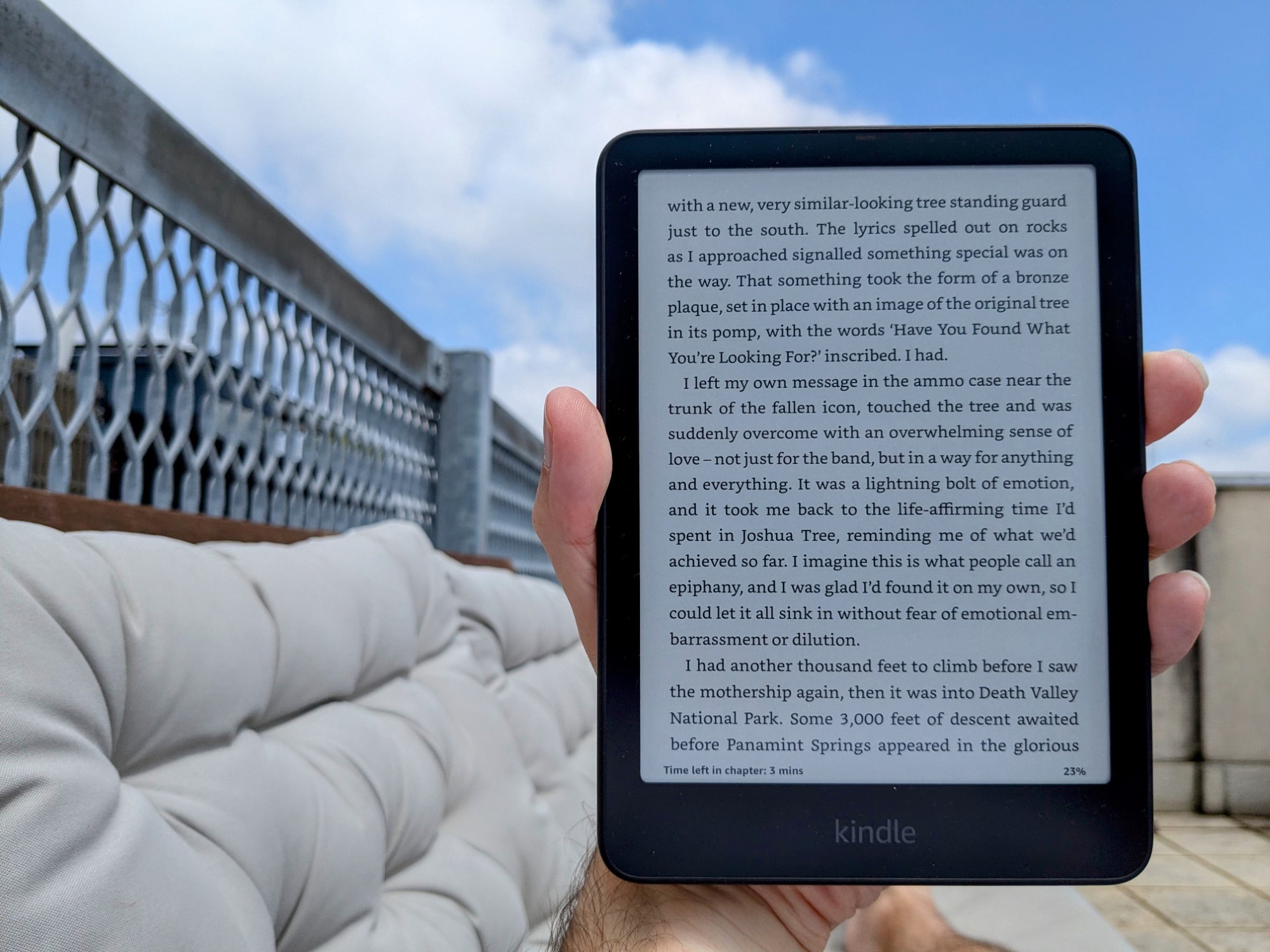
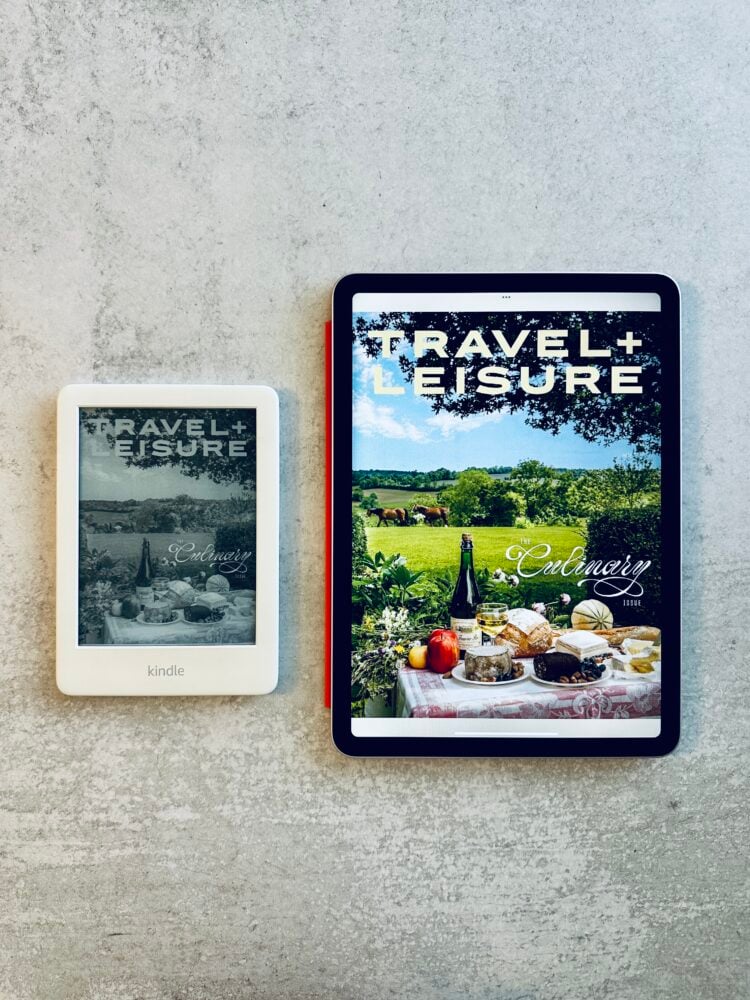
Kindle For Travel adapts to tough places. E-ink gives you crisp text in sun. A front light helps in the dark. No glare. No eye strain like a phone.
Situational advice:
- Airplanes. Turn on airplane mode. Use a warm light at low brightness for night flights.
- Beaches. Use a waterproof model and a simple sleeve. Dry hands before you tap.
- Hostels and night trains. Reduce brightness and use warm light so you do not wake others.
- Buses and ferries. Use a lanyard case or a hand strap for bumps and sways.
Want language help on the road? Long-press a word for a quick definition or translation. That makes Kindle For Travel a quiet study buddy.
Smart packing and the best travel accessories
You do not need much. Keep it light. Keep it tough.
Useful items:
- Slim folio case for drop and scratch protection
- Screen protector if you toss it in a daypack
- Short USB-C cable that matches your phone’s charger
- Waterproof sleeve for sand and rain
- Small stand if you read at meals or on a tray table
I travel with a folio and a short cable. That is all. Kindle For Travel stays lean so I never think about it.
:max_bytes(150000):strip_icc()/tal-cobak-case-with-stand-for-6-kindle-esmee-williams-07-1-cbebca1d07464cb8ac72949caadb3815.jpeg)
Build a travel-ready library
Balance mood, length, and energy. Loading only dense books can stall your reading. Mix it up.
What to include:
- One long novel or history for long flights
- Two fast reads for when you are tired
- One comfort book for stress
- One local guide or phrase book
- A short story collection for lines and layovers
- One “stretch” title for new ideas
Ways to get content for Kindle For Travel:
- Buy and download before your trip
- Borrow ebooks from your library in advance, then send to Kindle
- Download public domain classics
- Sideload PDFs for tickets, passes, and maps
Pro tip: Use Samples to test tone before buying. I avoid dead weight by trimming my “Trip Reads” list the night before.
Mistakes to avoid with Kindle For Travel
I have made these. You do not have to.
Common pitfalls:
- Waiting to download at the airport. Wi‑Fi may be slow or costly.
- Forgetting airplane mode. Roaming can drain battery.
- Overpacking PDFs. Some scan poorly. Test key PDFs first.
- Skipping a case. A small drop can crack the screen.
- Not learning the UI. Learn search, highlights, and vocab tools at home.
A five-minute dry run at your kitchen table beats a frantic gate scramble. Kindle For Travel rewards prep.
Safety, sync, and roaming costs
Keep your data safe and your costs low. E-readers use little data, but leaks still happen.
Simple steps:
- Use airplane mode and only sync on trusted Wi‑Fi.
- Avoid open networks for purchases. If needed, use a hotspot from your phone.
- Lock your Kindle with a passcode.
- Back up notes and highlights before you leave.
- Turn off one-click buying if you lend your Kindle to a child.
Airlines allow e-readers during takeoff and landing in airplane mode. Cabin crews may ask you to switch modes. Kindle For Travel fits those rules well.
Real trip workflows with Kindle For Travel
Here are three setups I have used and refined. Copy, tweak, and go.
City sprint, 3 days:
- Two fast novels, one city guide, one restaurant list PDF
- Airplane mode on all day, brief sync at hotel Wi‑Fi
- Brightness low indoors, warm light at night
Beach week:
- One long novel, two light reads, one local history
- Waterproof sleeve, towel dry before use
- Mid brightness in sun, warm light at dusk
- Power bank stays in the beach bag
Work travel, heavy schedule:
- One business book, one short story collection, one comfort read
- All bookings and meeting PDFs sent to Kindle
- Airplane mode, sync once each night
- Highlights exported midweek
I keep these lists as Collections named by trip. It makes Kindle For Travel plug-and-play.
Eco and budget impact of Kindle For Travel
Paper books are lovely. But travel adds cost and waste. Kindle For Travel can cut both.
Cost view:
- A single e-reader can replace dozens of paperbacks.
- Sales and bundles lower book costs over time.
- Library loans on Kindle are free and fast.
- Fewer impulse airport buys.
Eco view:
- One device has an upfront footprint, but high reuse reduces impact per book.
- No shipping, no packaging for each title.
- Longer device life means less waste. Use a case. Avoid drops.
Be honest about your reading pace. If you read 10–20 books a year, Kindle For Travel often pays for itself in one or two trips when you count weight, fees, and airport prices.
Quick troubleshooting while abroad
Do not panic. Most issues have fast fixes.
If a book will not open:
- Restart the Kindle.
- Toggle airplane mode off, sync, then back on.
- Remove the title and re-download on trusted Wi‑Fi.
If battery drains fast:
- Turn on airplane mode.
- Lower brightness.
- Close any active downloads.
If the screen freezes:
- Hold the power button for a 30–40 second reset.
- Charge for 15 minutes, then try again.
If a PDF looks tiny:
- Use landscape mode.
- Increase margin and font size if it is a text-based PDF.
- Consider a larger-screen model for heavy PDF use next time.
These small habits make Kindle For Travel steady, even far from home.
Frequently Asked Questions of Kindle For Travel
Is a Kindle allowed during takeoff and landing?
Yes. Most airlines allow e-readers in airplane mode at all times. Follow crew directions if asked to switch modes.
Which Kindle is best for travel reading on the beach?
A waterproof, glare-free model with a front light works best. The mid-size option balances comfort and packability.
Can I read library books on a Kindle while abroad?
Yes, if you borrow and download before you leave. Once on your device, you can read offline until the loan expires.
Will my Kindle work without Wi‑Fi on a long flight?
Yes. Download books in advance. Turn on airplane mode to save battery and enjoy offline reading.
How do I keep my Kindle safe in a hostel or hotel?
Use a passcode and a slim case. Store it in your daypack and avoid leaving it in open areas.
Conclusion
Kindle For Travel makes reading simple, light, and reliable when you are far from home. Pick the right model, load a smart mix of books, and use airplane mode to stretch battery for days. A little prep gives you a calm, portable library for any trip.
Set up your “Trip Reads” tonight. Test your workflow at home. Then pack your Kindle For Travel and enjoy the freedom to read anywhere. If you found this useful, subscribe for more travel tech tips or share your favorite Kindle For Travel setup in the comments.