
Before your first flight, learn the rules, get the setup right, and understand the smart modes. Everything else gets easier after that.
I remember the day my DJI Mini 4 Pro arrived. Linda was watching as I opened the box, hands moving faster than my brain. I had no idea where to start. Which app to download first. How to attach the propellers. Whether I needed to register it before my first flight. I almost flew it without calibrating anything and that would have been a very expensive mistake.
That experience is exactly why I put together this DJI Mini 4 Pro beginner guide. After flying it across multiple countries, different weather conditions, and enough rookie mistakes to fill a separate article, I know what actually matters when you are just starting out. This DJI Mini 4 Pro beginner guide skips the confusion and takes you straight from unboxing to flying safely and confidently — step by step, in plain simple English.
Meet the DJI Mini 4 Pro
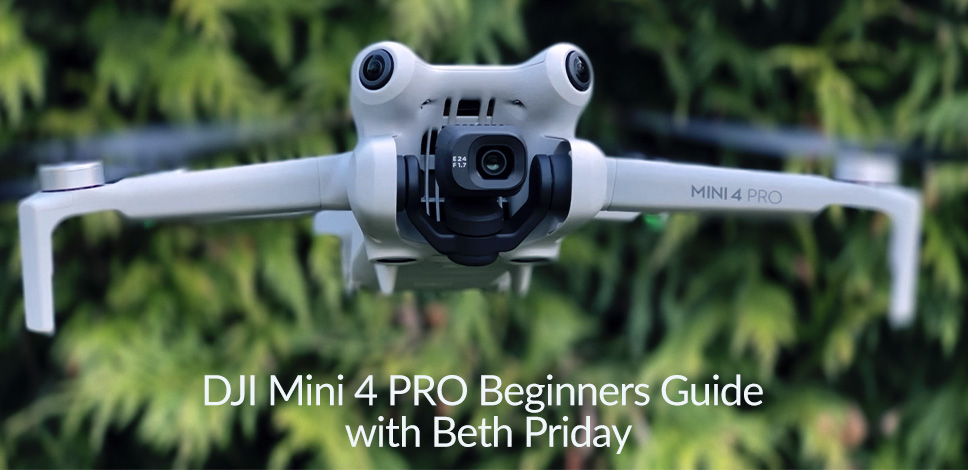
The DJI Mini 4 Pro packs pro features in a small, sub-250 g body. It shoots crisp 4K video, senses obstacles in every direction, and flies longer than most small drones. It is one of the best choices for first-time pilots who also want cinematic results.
Key highlights beginners care about:
- Sub-250 g takeoff weight for easy travel and simpler rules in many countries
- Omnidirectional obstacle sensing to help avoid crashes
- 1/1.3-inch sensor with 4K video up to high frame rates and 10-bit profiles
- True vertical shooting for social content without cropping
- Strong O4 video link for a solid live view
- Up to about 34 minutes of flight on the standard battery in calm weather
This dji mini 4 pro beginner guide focuses on simple, proven steps to get these features working for you fast.
Before You Fly: Rules, Registration, and Remote ID Basics
Rules come first. In the US, recreational flyers take the TRUST test and may not need registration if the drone stays under 250 g and is used only for fun. If you add heavy accessories or fly commercially, registration and Remote ID are required. In many regions, lighter drones still have limits on where and how high you can fly.
Quick legal tips to stay safe and compliant:
- Check local airspace with an approved app before every flight
- Keep the drone in visual line of sight
- Do not fly over crowds or near emergency sites
- Respect privacy and posted signs
- Know that commercial work often has extra requirements
This dji mini 4 pro beginner guide keeps advice general. Always confirm the latest rules where you live.
Unboxing and Setup: Your First 20 Minutes
A smooth first setup makes your first flight easy and calm. I use this same flow when I help new pilots.
Do this in order:
- Charge all batteries, the controller, and your phone
- Insert a fast microSD card rated V30 or better
- Power on and update firmware for the drone and controller
- Calibrate IMU and gimbal when prompted
- Set Return-to-Home (RTH) altitude above local trees and buildings
- Set low-battery warnings and RTH behavior
- Turn on obstacle avoidance and the Pause button awareness
- Label batteries with a marker so you can rotate them evenly
This dji mini 4 pro beginner guide recommends a simple rule: update, calibrate, configure, then fly.

Controller and App: RC-N2 vs RC 2 and DJI Fly Basics
You will use either the RC-N2 with your phone or the RC 2 with a built-in screen. Both work well. I like the RC 2 for bright days because it removes phone setup steps.
In the DJI Fly app:
- Safety tab: set RTH height, obstacle action, max altitude, and geofencing checks
- Control tab: gimbal mode (Follow or FPV), button shortcuts, stick mode
- Camera tab: resolution, frame rate, color profile, histogram, and overexposure warning
This dji mini 4 pro beginner guide suggests you start with Cine mode, obstacle action set to Brake, and the histogram enabled.
Flight Modes and Safety Features That Matter
The Mini 4 Pro has three main flight modes:
- Cine for slow, smooth moves
- Normal for everyday flying
- Sport for wind or long moves, but with reduced or disabled obstacle sensing
Know these safety tools cold:
- Obstacle sensing in all directions helps, but it is not perfect
- Return-to-Home can be triggered by you, low battery, or signal loss
- The Pause button stops motion fast when you feel stressed
- Precision landing works best if you take off straight up and hover for a moment
This dji mini 4 pro beginner guide teaches you to map the Pause button and practice RTH in an open field first.

First Flight Tutorial: A Simple 10-Step Plan
Use this plan for your first session. Keep it calm and slow.
- Pick a wide, open field with no people or trees nearby.
- Do a quick preflight: props tight, battery locked, SD card in, GPS locked.
- Set RTH altitude above the tallest object by at least 30 ft (10 m).
- Take off to 10 ft (3 m) and hover for 30 seconds.
- Try small inputs: forward, back, left, right, up, down, yaw.
- Practice gentle orbits around an imaginary point at eye level.
- Fly out to 100 ft (30 m) and back slowly.
- Press Pause to feel the instant stop.
- Trigger RTH and watch the path and descent.
- Land with care; avoid hand-catching until you have more time in the air.
This dji mini 4 pro beginner guide keeps your first flight short. End early, review what you learned, then fly again.
Camera Basics for Better Footage and Photos
Great video comes from a few simple choices. The Mini 4 Pro sensor is strong for its size, and the lens is bright. That helps in low light and keeps ISO lower.
Use these easy camera rules:
- Set 4K 30 fps for general use, 4K 60 for action, 4K slow motion only when needed
- Start in Auto, then try Pro mode with exposure locked once you feel ready
- Use the histogram and overexposure warning to control bright skies
- Fix white balance instead of Auto to stop color shifts mid-shot
- For photos, try RAW for edits and 48 MP mode when light is good
ND filters can smooth motion when you want a film look. This dji mini 4 pro beginner guide says do not chase “perfect settings” on day one. Get stable shots first.

Smart Modes: QuickShots, ActiveTrack 360, Waypoints
Smart modes can raise your footage fast. Use them in open space at first.
- QuickShots like Dronie, Rocket, Helix, and Circle for easy social clips
- ActiveTrack 360 to follow a subject while you shape the path with a simple ring tool
- Spotlight to lock the camera on a subject while you fly
- Waypoints to pre-plan moves for repeatable shots at sunrise or blue hour
Always keep line of sight and watch height and distance limits. This dji mini 4 pro beginner guide reminds you: smart modes help, but you are still the pilot in command.
Wind, Weather, and Battery Care
Small drones fight wind more than big ones. The Mini 4 Pro handles normal breezes, but gusts can push it. Rain and snow are a no-go.
Battery best practices:
- Launch with warm batteries; cold packs sag faster
- Land with 25 to 30 percent left to protect cells
- Store at room temp around half charge for longer life
- Rotate packs to age them evenly
If wind picks up, switch to Normal or Sport to come home faster. This dji mini 4 pro beginner guide teaches you to check wind at tree-top height, not only on the ground.
Storage and Workflow: Cards, Formats, and Editing
Use a V30 UHS-I microSD card from a trusted brand. I like 128 GB or 256 GB for a full day. Format cards in the drone to reduce file issues.
Helpful workflow tips:
- Back up files after every flight
- For quick posts, use the DJI Fly app or a mobile editor
- For best quality, use 10-bit profiles and grade with a LUT in a desktop editor
- Keep project folders tidy with dates and location notes
This dji mini 4 pro beginner guide keeps your flow simple: shoot, back up, label, edit, share.
Accessories That Are Worth It
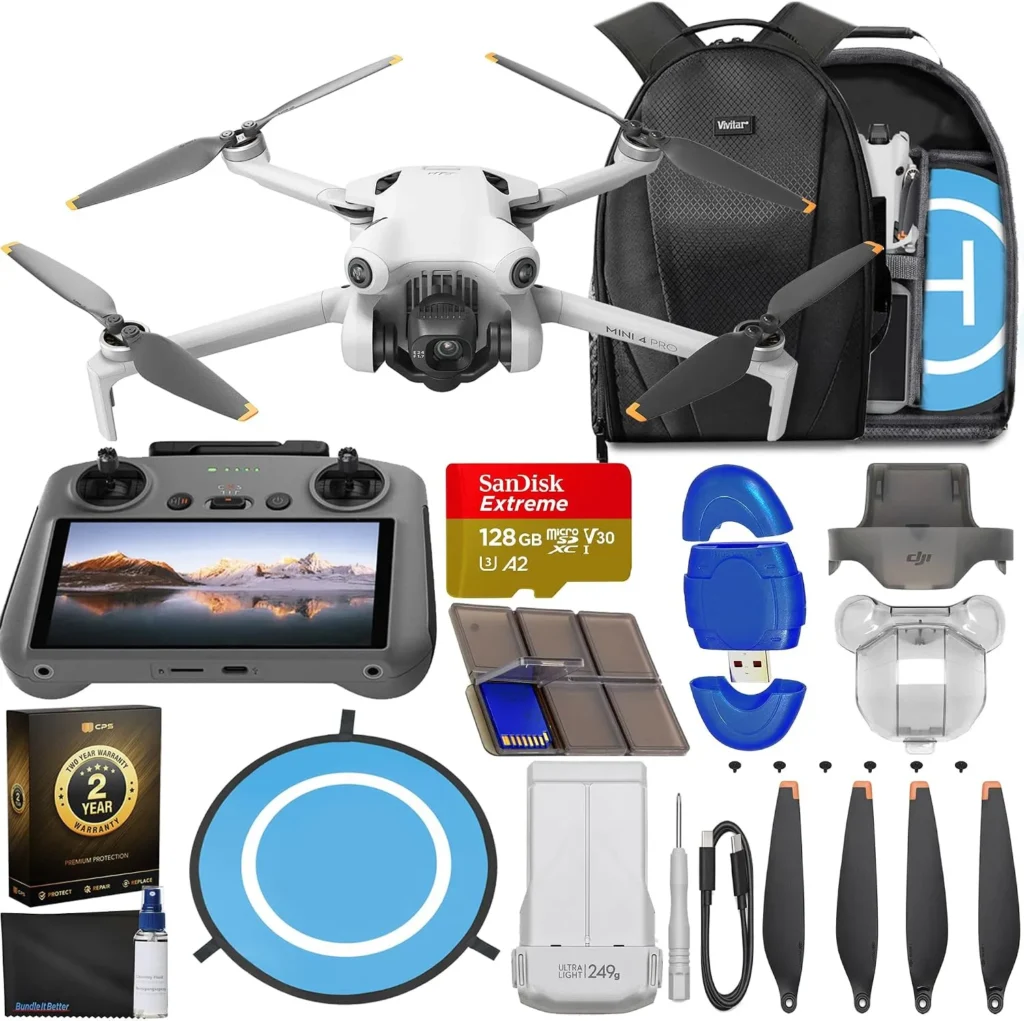
You do not need much to start. A few add-ons make flying safer and filming easier.
Good picks:
- Extra batteries and a multi-charger
- ND filters for bright days
- A landing pad to keep dust off the gimbal
- Propeller guards for indoor practice
- A fast microSD card reader
- A small strobe if your rules require anti-collision lights at night
This dji mini 4 pro beginner guide prioritizes safety and reliability over flashy extras.
Maintenance, Updates, and Troubleshooting
Treat your drone like a camera that flies. Check it before and after every session.
Easy upkeep:
- Update firmware when stable versions release
- Inspect props for chips; replace at the first sign of damage
- Clean the gimbal and sensors with a gentle blower and a soft brush
- Recalibrate IMU and compass if you get repeated warnings or after a hard landing
Common fixes I use:
- If the video feed stutters, move away from Wi‑Fi and power lines
- If the horizon tilts, do a gimbal calibration on a level surface
- If GPS takes long, wait in the open with a clear sky view
This dji mini 4 pro beginner guide helps you solve small issues before they ruin a shoot.
Common Mistakes Beginners Make and How to Avoid Them
Rookies repeat the same errors. Skip them with these habits.
Big ones to avoid:
- Forgetting to raise RTH altitude, which risks a crash into trees or towers
- Flying far with a tailwind and failing to return against a headwind
- Using Sport mode near obstacles and losing the safety net
- Ignoring low-battery warnings over water or cliffs
- Shooting in Auto white balance and getting color shifts
Turn on the histogram and overexposure warning. This dji mini 4 pro beginner guide also suggests practicing descents at an angle to avoid vortex ring state in still air.
Safety and Etiquette: Fly Smart Around People and Places
Drones draw eyes and ears. Be a good neighbor and you will get better footage with less stress.
Respectful habits:
- Do not fly over people without proper clearance
- Give wildlife and livestock extra space
- Ask property owners before takeoff on private land
- Keep noise low by flying higher and slower when possible
- Announce takeoff so others are not startled
This dji mini 4 pro beginner guide keeps trust at the center. Safe, polite flying opens doors for future shoots.
Frequently Asked Questions of dji mini 4 pro beginner guide
Do I need to register the Mini 4 Pro?
In the US, you do not need to register for recreational use if it stays under 250 g. For commercial use or if the takeoff weight goes over 250 g with accessories, registration and Remote ID are required.
What microSD card should I use?
Pick a UHS-I V30 card from a known brand. I favor 128 GB or 256 GB for a good balance of space and reliability.
How long does the battery really last?
Expect around 20–28 minutes of practical flight time, depending on wind and how you fly. Land with 25–30 percent charge to protect the battery.
Is obstacle avoidance foolproof?
No. It helps a lot, but it can miss thin branches, wires, or fast-moving objects. Keep line of sight and use the Pause button when unsure.
What are the best beginner camera settings?
Start with 4K 30 fps in Auto, histogram on, and white balance fixed. When you feel ready, switch to Pro mode and lock exposure for steadier results.
Conclusion
You now have a clear path from first power-on to smooth, safe flights. With simple setup steps, calm practice, and smart camera choices, your Mini 4 Pro will deliver clean, stable footage and stress-free flying.
Use this dji mini 4 pro beginner guide as your checklist for the next month. Fly one battery a day, review your clips, and try one new feature each session. If you found this helpful, subscribe for more field-tested tips or leave a comment with your next question.