
Sign in to Amazon, verify student status or link a teen, then start Prime.
Before our last big trip, Linda and I needed to order a lot of things fast. Gear, adapters, last minute supplies. Waiting a week for delivery was not an option.
A younger friend told us about the Amazon Prime young adult plan. We had no idea signing up was that simple. Took us less than five minutes and we had same day shipping before the weekend.
If you are trying to figure out how to sign up for Amazon Prime young adult, you are in the right place. I will walk you through every step clearly. No confusing menus, no surprise charges, just a simple honest guide that gets you set up fast.
What “Young Adult” Means on Amazon in the US
In the US, Amazon does not market a plan called “Prime Young Adult.” When people ask how to sign up for amazon prime young adult, they usually mean one of two things. They want Prime Student for ages 18 and up who are enrolled in college. Or they want a Teen account (ages 13–17) that links to a parent’s Prime.
Here is the quick map you need:
- If you are 18 or older and in college, choose Prime Student.
- If you are 13 to 17, ask a parent or guardian with Prime to create a Teen account for you.
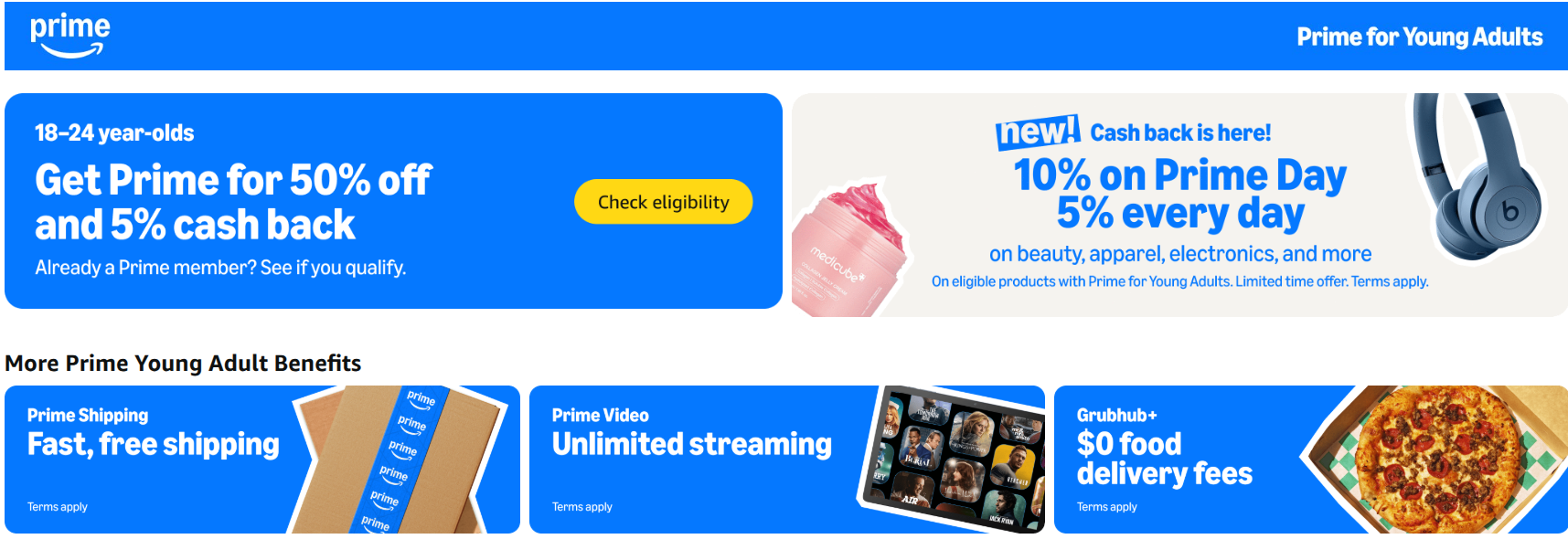
- If you are 18 to 24 but not a student, consider a standard Prime plan. If you get qualifying government assistance, you may qualify for a lower-cost Prime Access plan.
When you know which path you need, how to sign up for amazon prime young adult becomes fast and easy.

Eligibility and What You Need
Prime Student (ages 18+, enrolled in college):
- Proof of enrollment. A .edu email is the fastest. If you do not have one, upload proof like a tuition bill, acceptance letter, or transcript.
- A US billing address and a valid payment method.
- You can use the student rate for up to four years or until you graduate, whichever comes first.
Amazon Teen (ages 13–17, linked to a parent with Prime):
- A parent or guardian with an Amazon account. Prime is needed for Prime shipping and perks.
- The parent invites you by email or text. You accept and set up your login.
- The parent can set spending limits, payment methods, and approval rules.
If you fit one of these tracks, you are ready for how to sign up for amazon prime young adult.
How to Sign Up for Prime Student (Ages 18+)
Use these steps when you want how to sign up for amazon prime young adult as a college student.
- Go to Amazon and sign in or create an account.
- Search for Prime Student and open the Prime Student page.
- Start your trial. The free trial length can change by promo. It is often up to six months.
- Verify your student status. Enter your .edu email. Or upload proof of enrollment if asked.
- Add a payment method. You will not be charged until the trial ends.
- Confirm your plan. Choose monthly or annual billing at the student rate.
- Finish and start using Prime perks.
Tips from my setup help:
- If the .edu email does not arrive, check spam or try another device.
- If your school does not use .edu, upload a document. Make sure your name and term dates show.
- Set a reminder for seven days before the trial ends.
How to Set Up an Amazon Teen Account (Ages 13–17)
Parents use these steps when a teen asks how to sign up for amazon prime young adult. It takes five minutes.
- The parent signs in to Amazon on the web or in the app.
- Go to Account, then select Your Household, then Teen.
- Send an invite by email or text to the teen.
- Choose settings. Pick the payment card, shipping address, and approval rules.
- The teen accepts the invite and creates a login and password.
- The teen can now shop. Orders follow the approval rules the parent set.
Good to know:
- Teens can browse and place orders, but the parent can require approval every time.
- Teens get Prime shipping and most perks through the parent’s plan.
- Parents can see order history and set spending limits.
Benefits and Limitations to Know
Prime Student gives you the full Prime bundle at a lower price. You get fast shipping, Prime Video, Prime Music (limited catalog), Prime Reading, Try Before You Buy, and member deals. You also get student-only offers that rotate during the year.
Limits to watch:
- The student rate lasts up to four years or until you are no longer enrolled.
- You cannot share Prime Student with another adult in a Household.
- Some add-ons or channels have extra fees.
Amazon Teen accounts share many Prime perks from the parent’s plan. Teens get fast shipping and can stream on supported devices if the parent allows. Parents can control spend and approvals.
Limits for teens:
- The teen plan is not its own Prime plan. It depends on the parent’s Prime.
- Some digital content may be restricted by age or by parent choice.
- Teens cannot manage the parent’s Prime settings.
Knowing these details makes how to sign up for amazon prime young adult feel less confusing and helps you choose the right path.

Costs, Trials, and Billing Basics
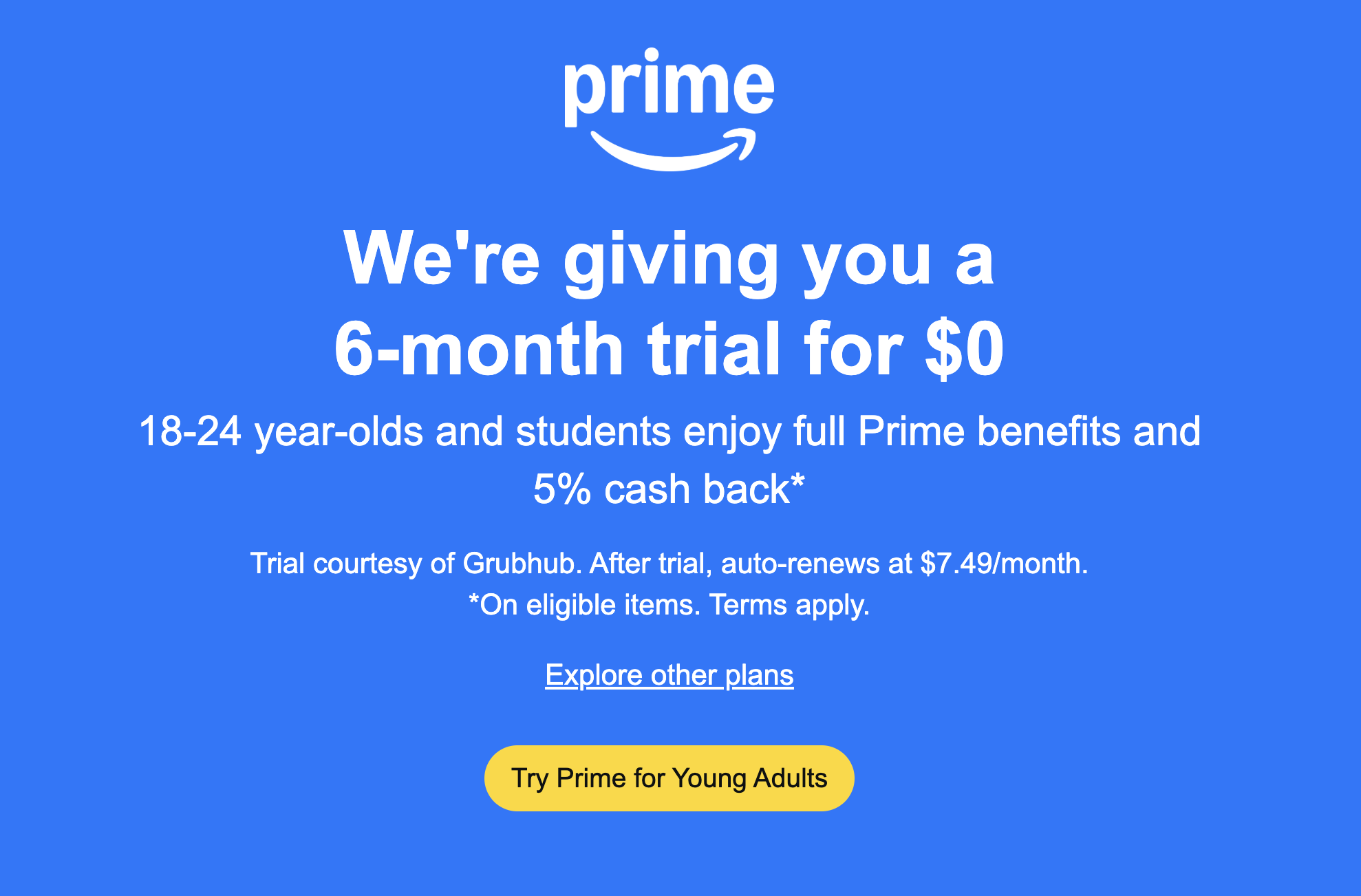
Prime Student costs about half of standard Prime. You can pay monthly or annually. Pricing can change, so check the current rate on Amazon before you enroll. Many students get a free trial first, often up to six months, then billing starts.
What to keep in mind:
- You can cancel any time in Account. You will keep benefits until the end of your paid period.
- Annual plans usually cost less per year than paying monthly.
- You may need to re-verify student status if Amazon asks later.
For teens, there is no extra fee for the teen profile itself. The parent’s Prime covers shipping and perks. The parent controls the card and can set purchase limits. This is the budget-safe path for families asking how to sign up for amazon prime young adult without paying for a second full plan.

Verification, Troubleshooting, and Common Errors
From my experience helping students and parents, most issues fall into a few buckets. Here is how I fix them.
Common issues and fixes:
- .edu email not accepted. Use the upload option. Provide a dated document with your name and school.
- Trial not showing. Sign out, clear cache, and try again. Check if you used a Prime trial on this account before.
- Verification pending. Keep an eye on your email. It can take up to a day. If it lingers, contact support with your reference number.
Parent-teen snags:
- Teen invite not received. Double-check the email or phone number. Resend the invite.
- Approvals not working. Review approval rules in Household settings and confirm the correct teen profile is selected.
- Wrong payment card. Update the default card in Household settings to avoid failed charges.
If you still need help with how to sign up for amazon prime young adult, support chat is fast. Keep your documents and account email handy.
Pro Tips to Save More and Shop Smarter
I have tested these tips across many setups. They save time and money.
- Set a calendar reminder three days before your trial ends. Decide if you will keep Prime Student or switch plans.
- Choose annual billing if you will keep Prime for a year. It is usually cheaper than monthly.
- Stack student-only promos with Prime Day and Back-to-School sales. Add items to your list early and watch prices.
- For teens, set a monthly spending cap. This teaches smart habits and avoids surprises.
- Use shipment tracking alerts. It keeps you on top of returns and prevents missed packages.
Use these tips each time you think about how to sign up for amazon prime young adult. You will avoid the most common money leaks.
Privacy, Safety, and Parental Controls
Keep your account safe. Use strong passwords and turn on two-step verification. Do not share your login with friends. Review your digital devices and log out of old ones.
For families:
- In Household, set teen approvals and spending caps.
- Use content filters and watch lists on Prime Video.
- Review orders weekly and adjust rules as needed.
These habits matter when planning how to sign up for amazon prime young adult. Safety first keeps perks under control.
Frequently Asked Questions of how to sign up for amazon prime young adult
Is there a plan called Amazon Prime Young Adult in the US?
No. In the US, you will use Prime Student if you are a college student 18+, or an Amazon Teen account linked to a parent if you are 13–17. Both paths cover the use case many call “young adult.”
What documents do I need for Prime Student?
A .edu email is best. If you do not have one, upload a dated proof of enrollment such as a tuition bill, transcript, or acceptance letter with your name.
Can I switch from a regular Prime plan to Prime Student?
Yes. Update your plan from Account by verifying your student status. Your billing will change to the student rate once approved.
How long does Prime Student last?
Up to four years or until you are no longer enrolled. You may be asked to re-verify during that period to keep the student rate.
Do Teen accounts cost extra?
No. A Teen account is free to create. It uses the parent’s Prime for shipping and perks, and the parent controls payments and approvals.
Can a Teen account watch Prime Video?
Yes, if the parent allows it. Parents can set content controls and profiles in Prime Video.
How do I cancel Prime Student before I get charged?
Go to Account, select Prime Membership, and choose End Membership. You will keep benefits through the end of the trial or paid period.
What if my school does not use a .edu email?
Use the document upload path. Share a clear, dated proof from your school with your name and term dates.
Does Prime Student include the same benefits as regular Prime?
It includes most core benefits like fast shipping, Prime Video, Prime Reading, and deals. Some add-ons or channels may cost extra.
Can I have a Teen account without a parent who has Prime?
You can have a Teen profile, but Prime shipping and many perks need an active Prime on the parent’s account. Without it, benefits are limited.
Conclusion
You now know the two clear paths for how to sign up for amazon prime young adult. If you are a college student 18 or older, use Prime Student and verify fast. If you are 13 to 17, ask a parent to set up a Teen account with approval rules that fit your home.
Take five minutes today to get set up. Save money with the right plan, set your controls, and start using fast shipping and streaming right away. Want more guides like this? Subscribe for updates, or drop a comment with your question and I will help you one-on-one.