
Power on, get GPS lock, and practice gentle stick moves in Normal mode.
I have been using DJI Drone since long. For my my travel and daily life blogs I use mini 3 drone but Linda like DJI Neo. I’ve logged hundreds of flights with the Mini series, tested features in real-world shoots, and coached new pilots from first takeoff to smooth cinematic moves. This guide goes far beyond basics. You’ll get clear steps, pro tips, safety notes, and the exact workflow I use on paid jobs to keep shots clean and stress low.
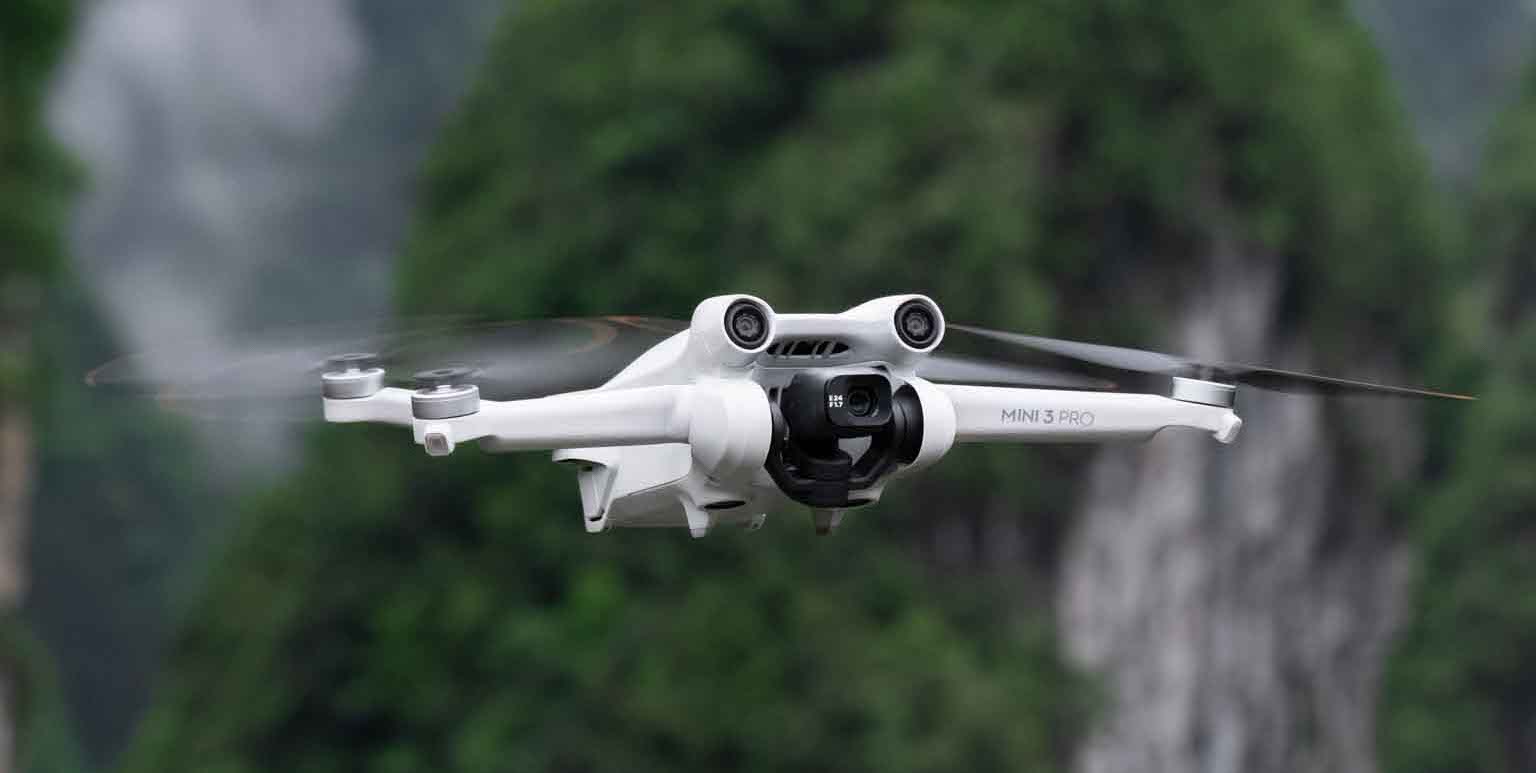
Know the Rules and Your Drone
The DJI Mini 3 weighs under 249 g. That helps in many regions. In the US, you may fly the Mini 3 for fun without registration if you use the standard battery. If you use the Plus battery, it can push the weight past 250 g. Then registration rules apply.
Most places require you to keep the drone in line of sight. Do not fly over people or near airports. In the US, complete the free TRUST test for recreational flight. If you work under Part 107, Remote ID is required. The Mini 3 can support Remote ID via firmware. Check the DJI Fly app About page to confirm.
Map zones can restrict flight. The DJI FlySafe database warns you about controlled airspace. Ask for unlocks when needed and legal. Do not fly in rain, fog, or high winds. The Mini 3 has good wind tolerance for its size, but it has no forward obstacle sensors. Treat it like a small camera crane in the sky, not a crash-proof robot.
If you came here to learn how to fly DJI Mini 3 drone for the first time, start slow. Learn the app. Read the on-screen prompts. Take time to plan a safe launch and landing spot. This will cut stress and protect your gear.
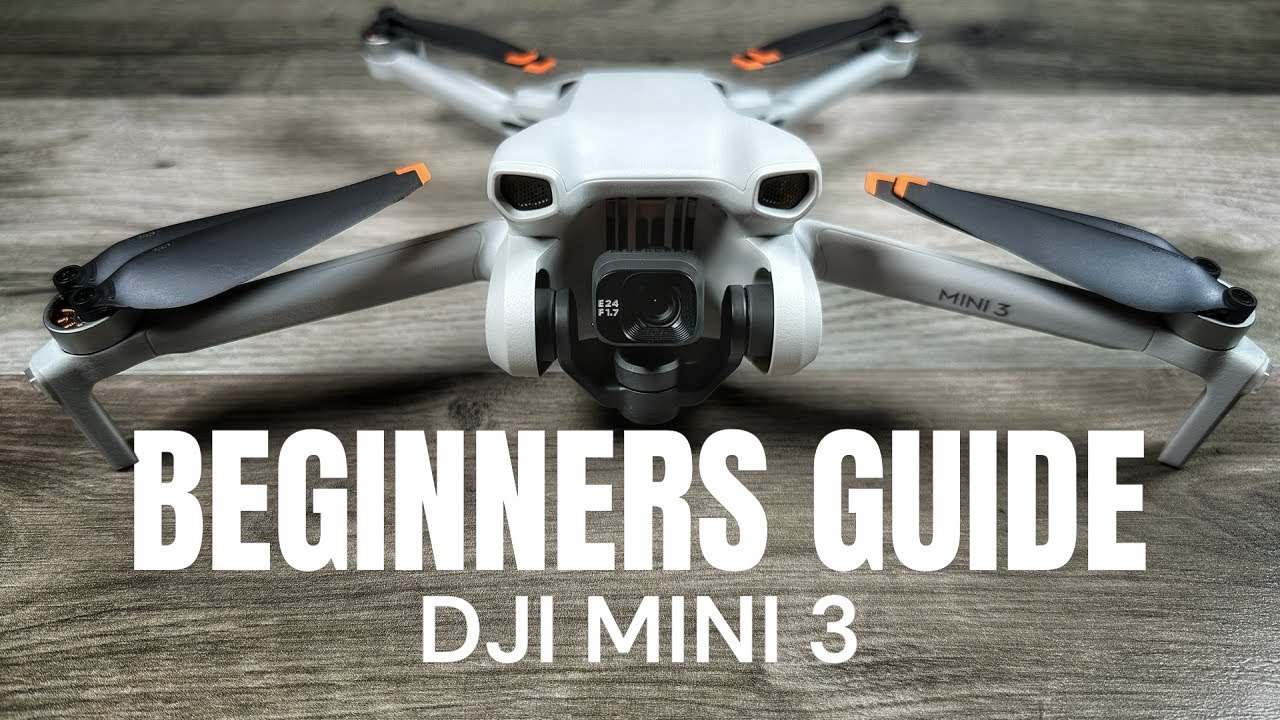
Set Up Your DJI Mini 3 The Right Way
Charge everything first. Top up the aircraft battery, controller, and spare batteries. Update firmware in the DJI Fly app. Updates fix bugs and add features.
Install and inspect props. The Mini 3 ships with props on, but check for chips or bends. Lock the gimbal clamp off before power-up. Insert a fast microSD card. Use UHS-I U3 V30 or better. Format the card in the app for best results.
Set your naming, units, and safety limits in DJI Fly. Pick Beginner Mode if you want extra limits on height and range. It keeps things close and slow. If you know how to fly DJI Mini 3 drone already, you can skip Beginner Mode and set your own max height and distance.
I like to set my RTH height above the tallest nearby object. In a city park, I use 50–60 m. In open fields, 30 m is fine. Always think “If signal drops here, will RTH clear that tree line?”

Connect Controller and DJI Fly App
The Mini 3 pairs with either the DJI RC (with screen) or the RC-N1 (uses your phone). With RC-N1, connect your phone cable, then open DJI Fly. Log in and bind the aircraft to your account. Follow the on-screen link steps if the drone and controller are not linked.
Check your video feed. You want a clean, low-latency preview. Turn off background apps to free memory. Dim screen brightness only after you confirm you can see the view.
If you are learning how to fly DJI Mini 3 drone outdoors for the first time, set the map view to hybrid. It helps you read terrain. Download offline maps if your site has weak cell service. That one step has saved me more than once on remote shoots.

Pre-Flight Checks Before Every Takeoff
Use a short, repeatable checklist. It keeps your head clear.
Physical checks
- Props secure and unchipped
- Battery latched, door closed
- Gimbal clamp removed and lens clean
- Landing area clear of dust and grass
Environment checks
- Wind under 20 mph and steady
- No rain, no fog, good light
- Few people around, no animals spooked
- Clear GPS view and strong signal
App checks
- Home point updated
- RTH height set
- Battery temperature and level good
- Camera settings locked for your scene
Calibrate only if prompted. Compass or IMU calibrations are not daily tasks. They are for new areas or after a big bump. I also hand-launch and hand-catch only when the ground is dusty or wet. If you try that, wear eye protection and be careful. New pilots should use the ground.
Common quick questions
- Do I need GPS to fly? You can fly without it, but the drone will drift. Wait for GPS lock unless you are very experienced.
- How high can I fly? Set your limit per local law. In many places, 400 ft AGL is the cap. Check your rules.
- Should I use Beginner Mode? Yes for day one. It helps you learn how to fly DJI Mini 3 drone with low risk.

Your First Flight: Step-by-Step
These steps work for almost every site. Keep them simple and calm.
- Power up in this order: controller, drone. Wait for GPS lock and home point set.
- Take off using the auto-takeoff button or stick combo. Climb to 10–15 ft. Hover.
- Test controls. Push forward a little, then stop. Slide left and right. Yaw left and right.
- Face the drone away from you. Practice a square pattern at low speed.
- Climb to a safe height. Keep line of sight. Make wide, slow turns.
- Land with auto-landing or gentle throttle down. Do not rush the last 10 ft.
Use Normal mode to start. Cine mode is slower and great for filming. Sport mode is fast and eats battery. Save it for wind or long moves. If you want to know how to fly DJI Mini 3 drone for smooth video, work in Cine mode first. Slow inputs make silky footage.
A personal note: my first sunset flight with the Mini 3 taught me to practice RTH early. I triggered RTH at 20% battery. I watched the route and checked height. On paid work later, that habit saved me when a gust pushed the drone behind a barn. RTH cleared the roof and came home.

Flight Modes, QuickShots, and Creative Moves
The Mini 3 has three main flight modes: Cine, Normal, and Sport. Cine slows speed and rates for smooth moves. Normal is balanced and works for most shots. Sport gives speed for wind and travel, but it is not for filming.
QuickShots help solo pilots. The Mini 3 supports Dronie, Rocket, Circle, and Helix. Pick your subject, frame wide, and let the drone run the move. Check space first. The Mini 3 has no forward obstacle sensors. It will not stop itself.
Try these simple camera moves
- Lateral slide with a slow yaw for a parallax feel
- Gentle reveal from behind a tree or rock
- Pull-back dronie at golden hour for context
If you wonder how to fly DJI Mini 3 drone for travel vlogs, combine a 5-second slide, a 6-second reveal, and a 4-second top-down. Those stack well in edits and keep your story moving.
Camera Settings and Vertical Video Tips
The Mini 3 can shoot up to 4K 30 fps. It also supports True Vertical video. The gimbal rotates so your shot is native vertical for social posts. That saves time in editing.
Use these base settings for video
- Frame rate: 30 fps for general use, 24 fps for a film feel
- Shutter: about 1 over double your frame rate with ND filters
- White balance: set a fixed value to avoid color shifts
- Style: keep sharpening and noise reduction moderate
For photos, shoot RAW if you plan to edit. Use AEB for bright skies. Lock exposure for pans to stop flicker.
If your goal is how to fly DJI Mini 3 drone for clean social content, True Vertical is gold. Compose with headroom. Keep the horizon level. Use Cine mode to avoid jerky pans.

Safety Features You Must Master
Return to Home has three flavors. Smart RTH is manual. Tap RTH when you want the drone to come back. Low Battery RTH kicks in when the app says you need to come home. Failsafe RTH starts when the link is lost for a set time.
Set RTH behavior to best fit your site. I use RTH at altitude in cities. I use RTH with obstacle check off the grid, where the sky is clear. The Mini 3 has downward sensors for landing help. It does not have front or rear obstacle avoidance. Plan paths with that in mind.
The app also has a Find My Drone map. It drops the last known point. If you land in tall grass, that feature is a life saver. Practice RTH on day one. If you want to learn how to fly DJI Mini 3 drone with real confidence, make RTH your friend.

Battery, Storage, and Maintenance
The standard battery offers up to 38 minutes in ideal lab tests. Real flights run shorter, around 25–30 minutes, due to wind and moves. The Plus battery can reach longer times but may change your legal weight class. Check your local rules.
Battery care tips
- Land with 20–25% left to protect cells
- Store around 60% if not flying for a week
- Warm the pack in your pocket on cold days
- Let batteries cool before charging
Storage and care
- Use name-brand U3 V30 cards
- Format in-camera after backups
- Wipe the lens and sensors with a clean cloth
- Check props every few flights
If you are serious about how to fly DJI Mini 3 drone for client work, bring three batteries, two fast cards, and a small microfiber kit. Downtime kills momentum on set.
Troubleshooting Common Issues
Compass or IMU error
- Move away from cars and rebar
- Calibrate only when the app asks
Weak GPS or drifting
- Wait for more satellites
- Do not take off under a tin roof or trees
Link dropouts or lag
- Turn your body to face the drone
- Avoid Wi‑Fi hotspots and power lines
Gimbal overload
- Remove the clamp
- Power cycle on a level surface
If you still struggle, record your screen and flight log. Then review steps. Most issues are site-related. This reflective habit is a key part of how to fly DJI Mini 3 drone like a pro. It turns mistakes into skills.
Frequently Asked Questions of how to fly dji mini 3 drone
How do I practice safely on day one?
Pick an open field with short grass. Use Beginner Mode and stay within 100 ft distance and 60 ft height.
Can I fly without registering the Mini 3?
In the US, yes for recreation with the standard battery under 250 g. If you use the Plus battery or fly Part 107, registration and Remote ID rules apply.
What wind is too strong for the Mini 3?
Stay below about 20 mph for new pilots. The drone can handle more in short bursts, but filming and control will suffer.
Does the Mini 3 have obstacle avoidance?
It has downward sensors for landing aid, but no front or rear obstacle sensors. Fly with clear paths and avoid tight gaps.
How do I get smooth video?
Use Cine mode, slow stick inputs, and ND filters to control shutter speed. Lock white balance and exposure for pans.
What SD card should I use?
Choose UHS‑I U3 V30 or faster from a reputable brand. Format the card in the drone after backups.
How far can I fly?
Stay within visual line of sight and local limits. Range depends on interference and legal constraints, not just spec sheets.
What is the best RTH height?
Set it higher than the tallest object nearby. In most parks, 50–60 m is safe, but always assess your site.
Conclusion
You now have a clear path from first power-up to confident, creative flights. Start with careful checks, use Normal or Cine mode, and build habits around RTH, battery care, and safe framing. That is the core of how to fly DJI Mini 3 drone with control, calm, and great results.
Take your next step today. Plan a simple flight, set one shot goal, and practice until it feels easy. Want more field-tested tips on how to fly DJI Mini 3 drone and other camera drones? Subscribe for updates or drop a comment with your toughest question.